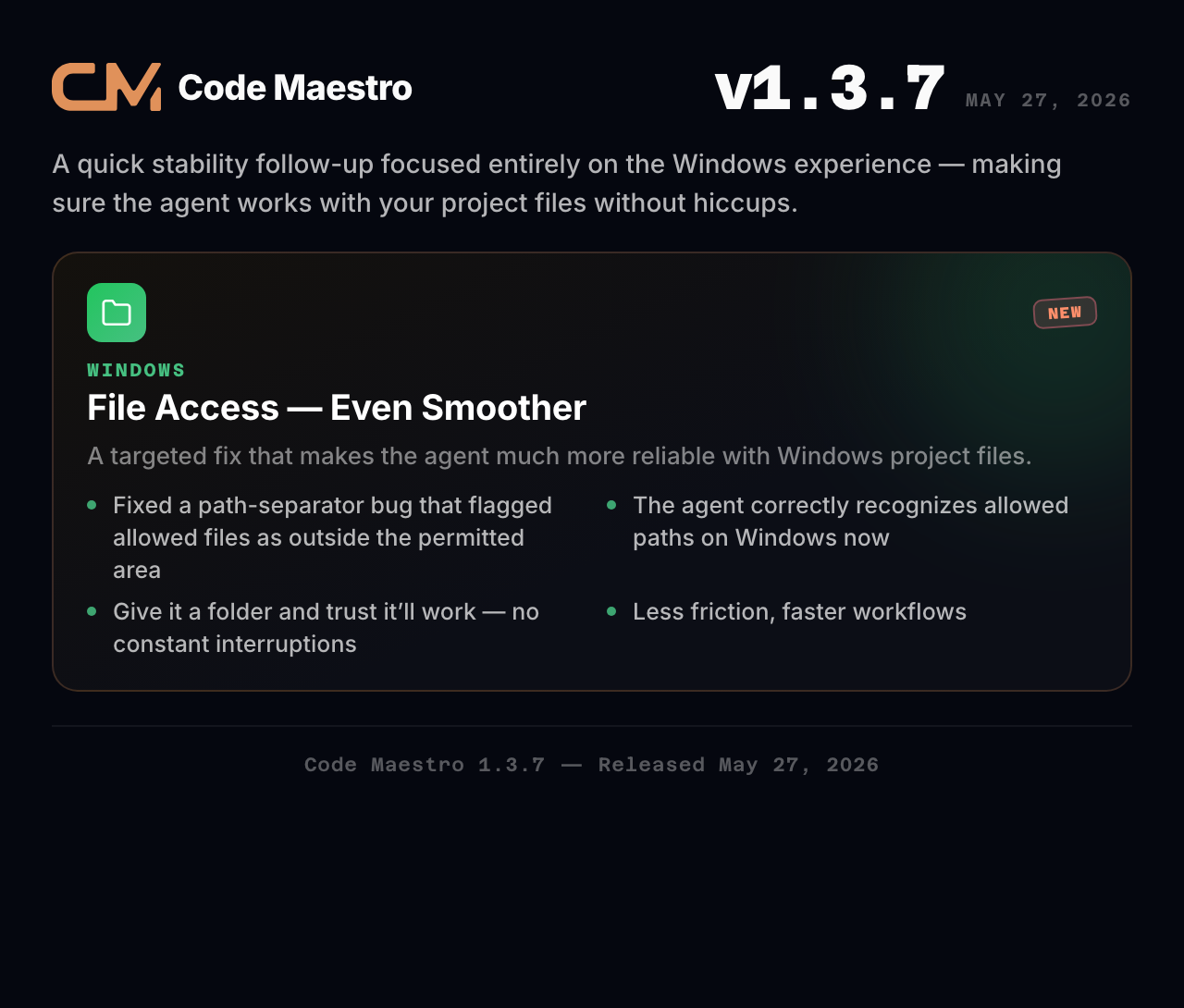
A quick stability follow-up focused entirely on the Windows experience — making sure the agent can work with your project files without hiccups.
🪟 Windows File Access — Even Smoother
We discovered that on Windows, the agent's file access checks were using the wrong path separator — a tiny technical detail that caused a big problem. Every file inside an allowed folder was incorrectly flagged as being outside the permitted area, forcing the agent to re-request access over and over.
This was especially frustrating in projects with many files, where the agent would get stuck in a loop of asking for permissions instead of getting work done.
Now fixed. The agent correctly recognizes allowed file paths on Windows, so you can give it access to a folder and trust it'll work there without constant interruptions.
Summary: A targeted fix that makes the agent much more reliable when working with Windows project files. Less friction, faster workflows.
Code Maestro 1.3.6
Release date: May 25, 2026
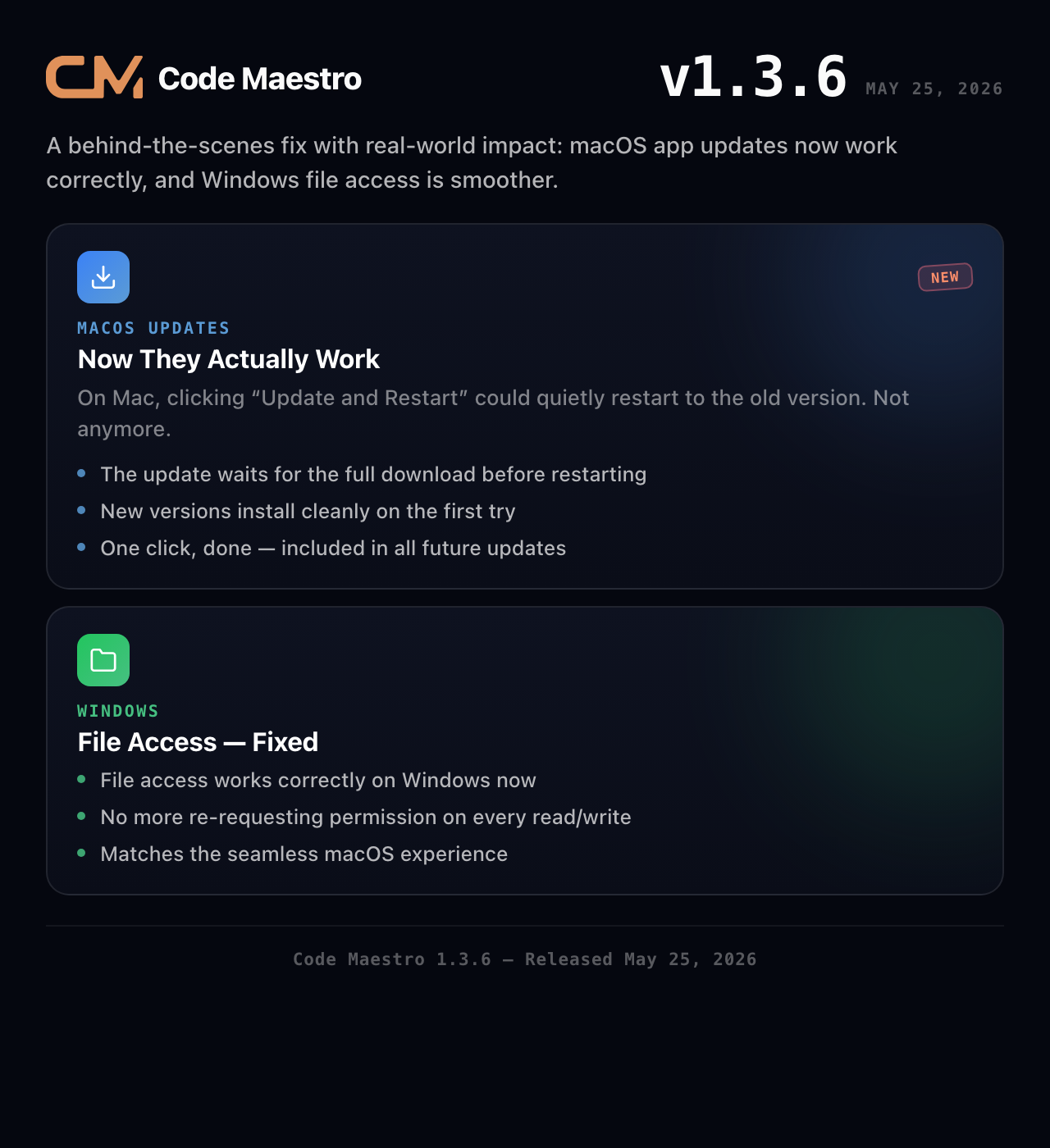
A behind-the-scenes fix with real-world impact: if you're on macOS, app updates now work correctly. Plus, Windows users get smoother file access for their agents.
⬆️ macOS Updates — Now They Work
Here's the thing nobody noticed until it was broken: on Mac, when you clicked "Update and Restart," the app would restart — but sometimes right back to the old version. The update silently failed, and you'd never know.
Not anymore. The update process now waits for the full download to finish before restarting, so new versions install cleanly on the very first try. One click, done.
This fix is included in all future updates — you only need to manually install it once.
📂 Windows File Access — Fixed
On Windows, the agent was having trouble accessing files inside allowed project folders. Every time it tried to read or write a file, it would get blocked and have to re-request permission. The result: constant interruptions and frustrated agents.
This is now resolved. File access works correctly on Windows, matching the seamless experience macOS users already had.
Summary: macOS updates install correctly, Windows file access works as intended. Two fixes that make the app more reliable on both platforms.
Code Maestro 1.3.5
Release date: May 24, 2026
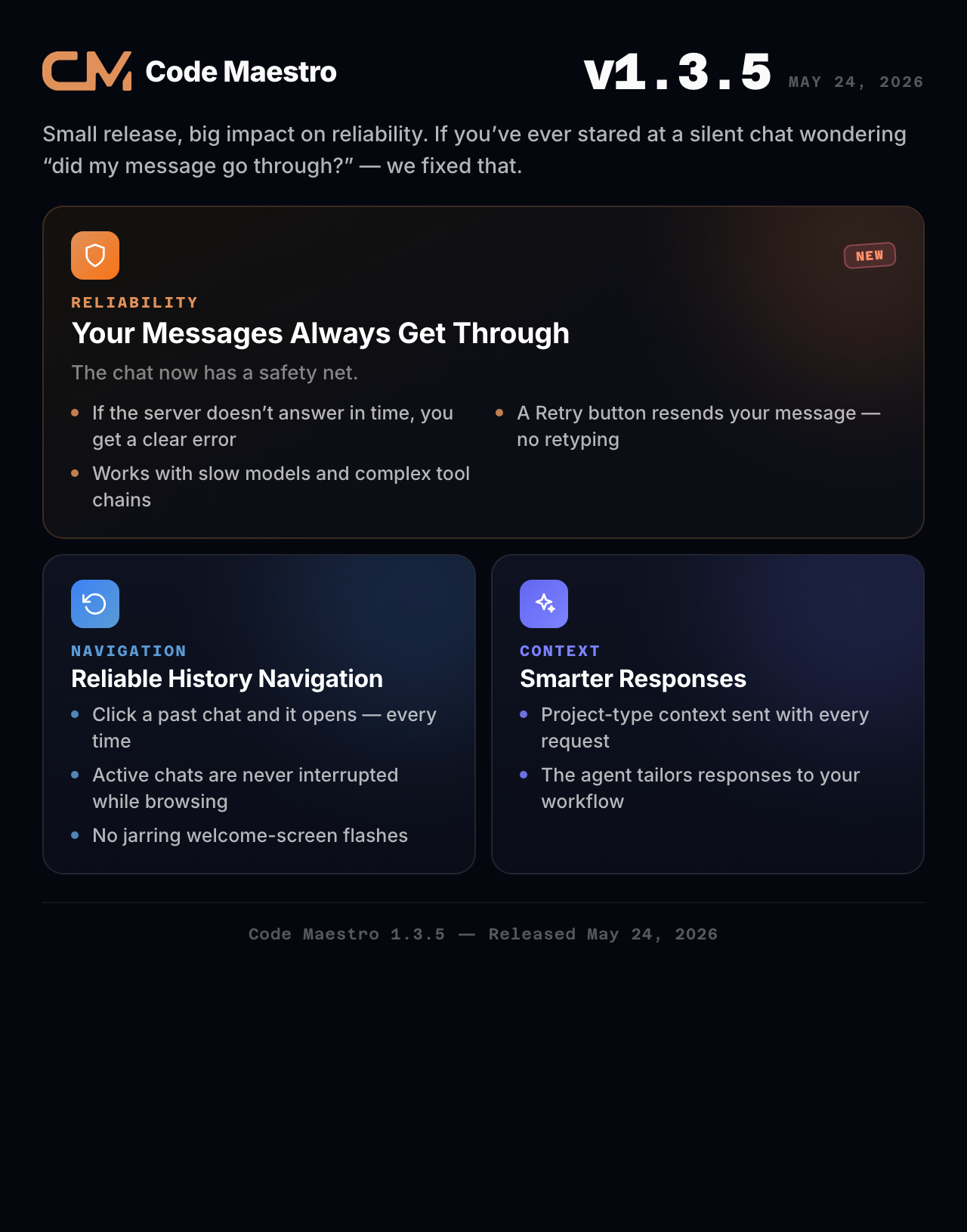
Small release, big impact on reliability. If you've ever stared at a silent chat wondering "did my message go through?" — we fixed that.
🛡️ Your Messages Always Get Through
The chat now has a safety net. When you send a message, the app watches for a response. If the server doesn't answer within a reasonable time, instead of leaving you hanging with a spinning cursor, it shows a clear error message and a Retry button.
One tap, and your message is on its way again — no need to retype anything.
🔄 History Navigation That Just Works
Switching between past conversations is now rock-solid:
Click a past chat and it opens — every time. No more unresponsive taps.
If you're in the middle of an active conversation, browsing history won't interrupt it
No jarring welcome-screen flashes when switching between chats
🧠 Smarter Responses, Less Effort
We've started sending your project type context with every request. This helps the AI understand what kind of work you're doing and tailor its responses accordingly — whether you're coding a game, designing a 3D scene, or building a web app.
Summary: More reliable messaging, seamless history switching, and context-aware responses. The app now works the way you expect it to — every time.
Code Maestro 1.3.4
Release date: May 21, 2026
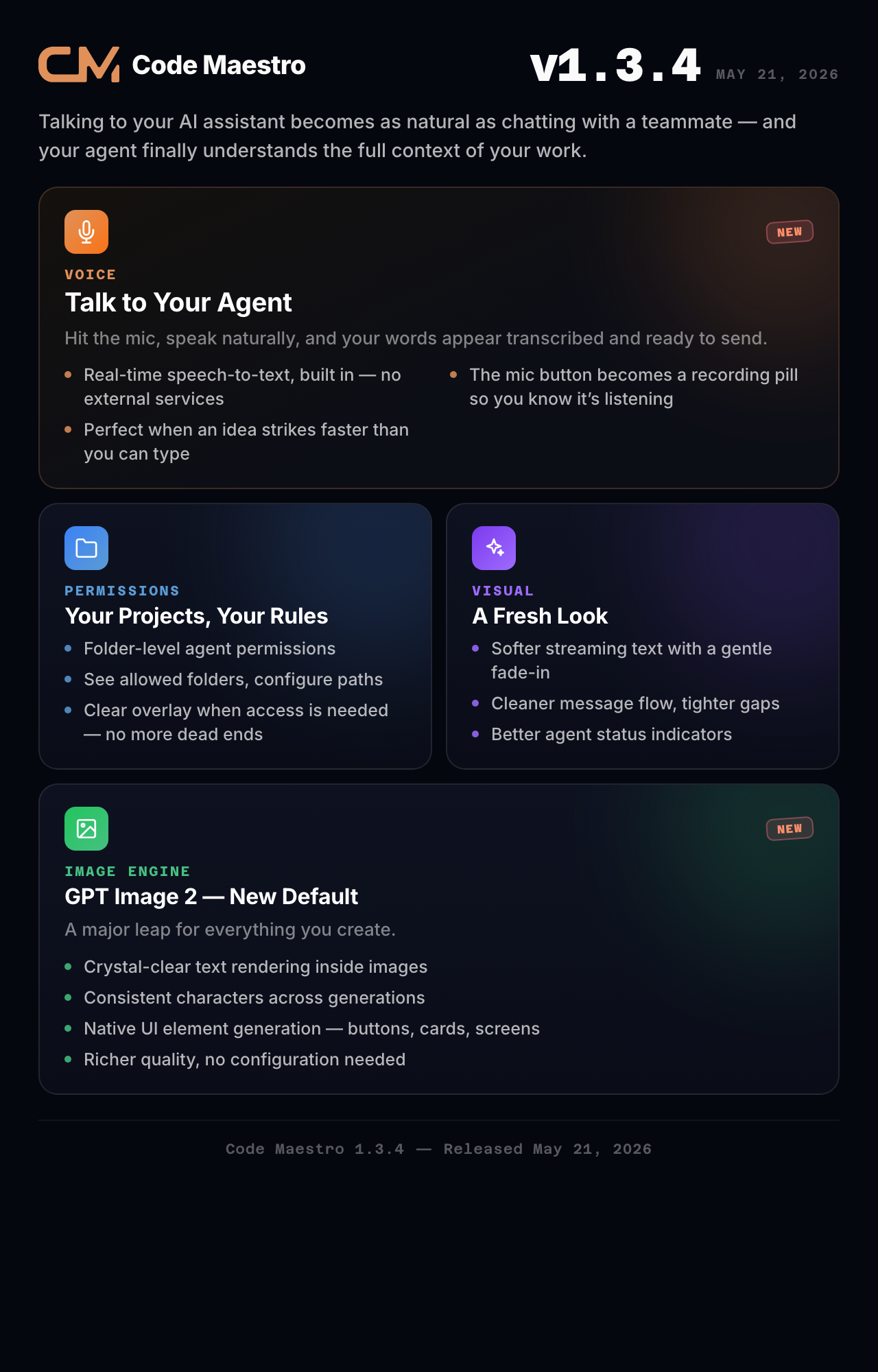
This is our biggest update yet — the one where talking to your AI assistant becomes as natural as chatting with a teammate, and your agent finally understands the full context of your work.
🎤 Talk to Your Agent
Voice input is here. Instead of typing everything out, just hit the microphone button, speak naturally, and your words appear in the chat — transcribed and ready to send.
Perfect for when an idea strikes faster than your fingers can type, or when you're describing something visual that's easier to say than to spell out. The mic button even transforms into a recording pill so you always know when the app is listening.
Real-time speech-to-text powered by the app's built-in transcription engine — no external services needed.
📁 Your Projects, Your Rules
The agent now understands what folders it's allowed to work with — and what's off-limits. We've introduced a clear permission system that:
Shows exactly which folders the agent can access
Lets you configure allowed paths in your project settings
Displays a clear overlay when folder access is needed, so there's no mystery about what's happening
This means more capable agents that can read, write, and manage your project files — all within the boundaries you set. No more "I can't access that file" dead ends.
🎨 A Fresh Look
The chat interface got a visual refresh that makes every interaction feel smoother:
Softer streaming text — responses appear with a gentle fade-in as they're generated
Cleaner message flow — your sent messages slide in naturally, the gap between messages is tighter
Better agent status indicators — you can always tell when the AI is thinking, typing, or done
Refined controls — dropdowns toggle properly, the mode selector is more responsive
The visual updates carry across the entire interface, from the main chat to the tabbed conversation view.
🖼️ GPT Image 2 — A New Standard for Image Generation
GPT Image 2 is here, and it's a major leap forward for everything you create with Code Maestro. This isn't just a model update — it's a whole new capability that changes what's possible with AI-generated images in your workflow, becoming your default image engine from day one.
What this means for you:
Crystal-clear text rendering — readable text inside generated images, perfect for UI mockups, presentation slides, and signage. No more garbled or nonsensical characters in your image text.
Consistent characters across generations — keep the same subject look across multiple images, making storytelling, character design, and brand assets actually work reliably.
Native UI element generation — buttons, cards, screens, and interface components that look designed, not hallucinated. A game-changer for prototyping and design work.
Richer visual quality overall — better colors, sharper details, and fewer artifacts across every generated image, in all supported formats and aspect ratios.
Every image you generate from now on uses GPT Image 2 by default — no configuration needed, no learning curve. Just better results, immediately.
Summary: Voice input, folder-level agent permissions, a smoother chat experience, and GPT Image 2 raising the bar on image generation.
Code Maestro 1.3.3
Released May 13, 2026
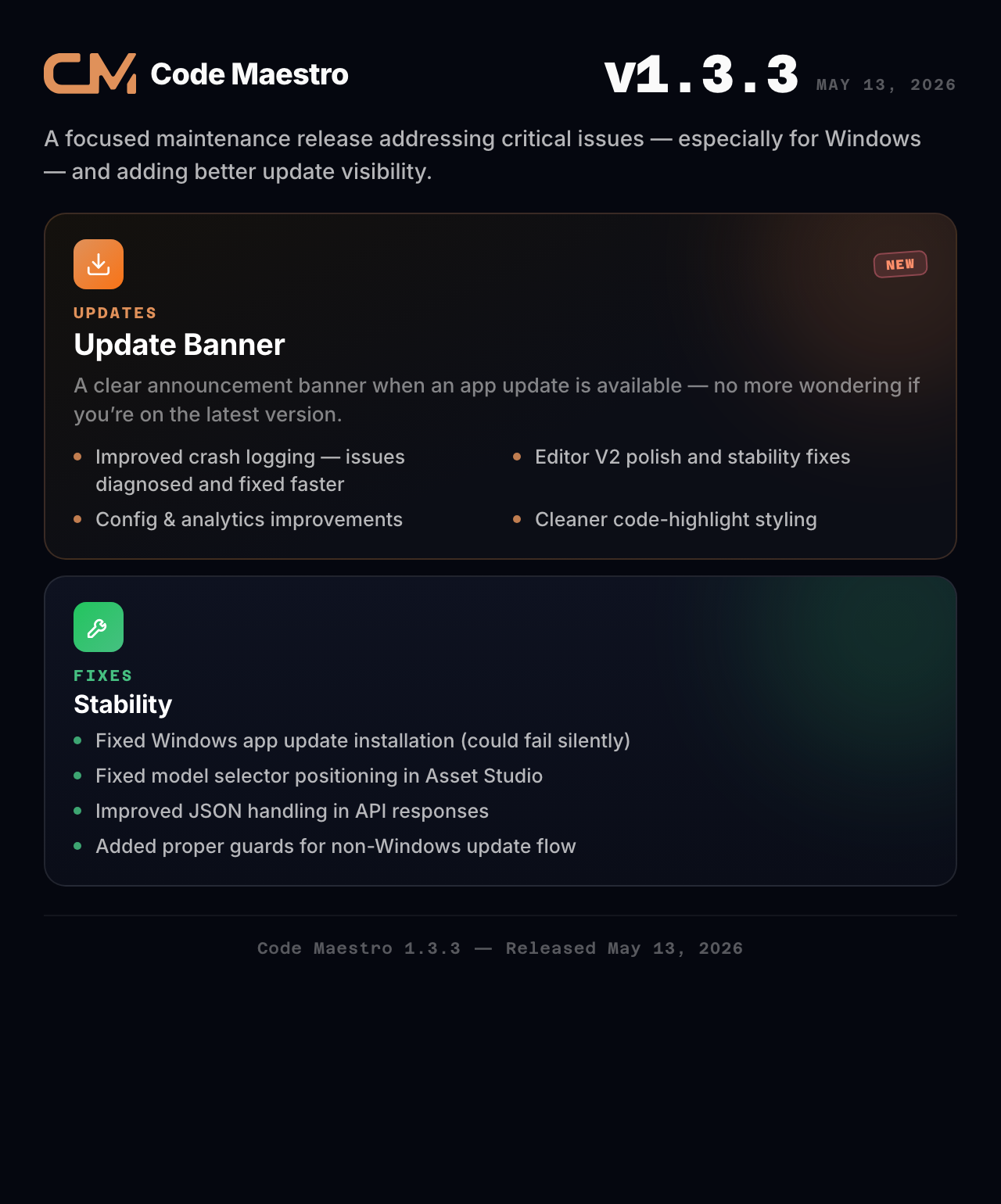
A focused maintenance release addressing critical issues — especially for Windows users — and adding better update visibility.
🆕 What's New
Update Banner
You'll now see a clear announcement banner when an app update is available — no more wondering if you're on the latest version.
Improved Crash Logging
We've added better crash reporting so issues can be diagnosed and fixed faster. If something goes wrong, the system captures the details automatically.
🔧 Improvements
Editor V2 polish and stability fixes
Config and analytics improvements for better telemetry
Style refinements for code highlights (no more awkward text wrapping)
🐛 Fixes
Fixed Windows app update installation — updates now install correctly on Windows (previously the install flow could fail silently)
Fixed model selector positioning in Asset Studio
Improved JSON handling in API responses
Added proper guards for non-Windows platforms in update flow
Code Maestro 1.3.1
Released May 14, 2026
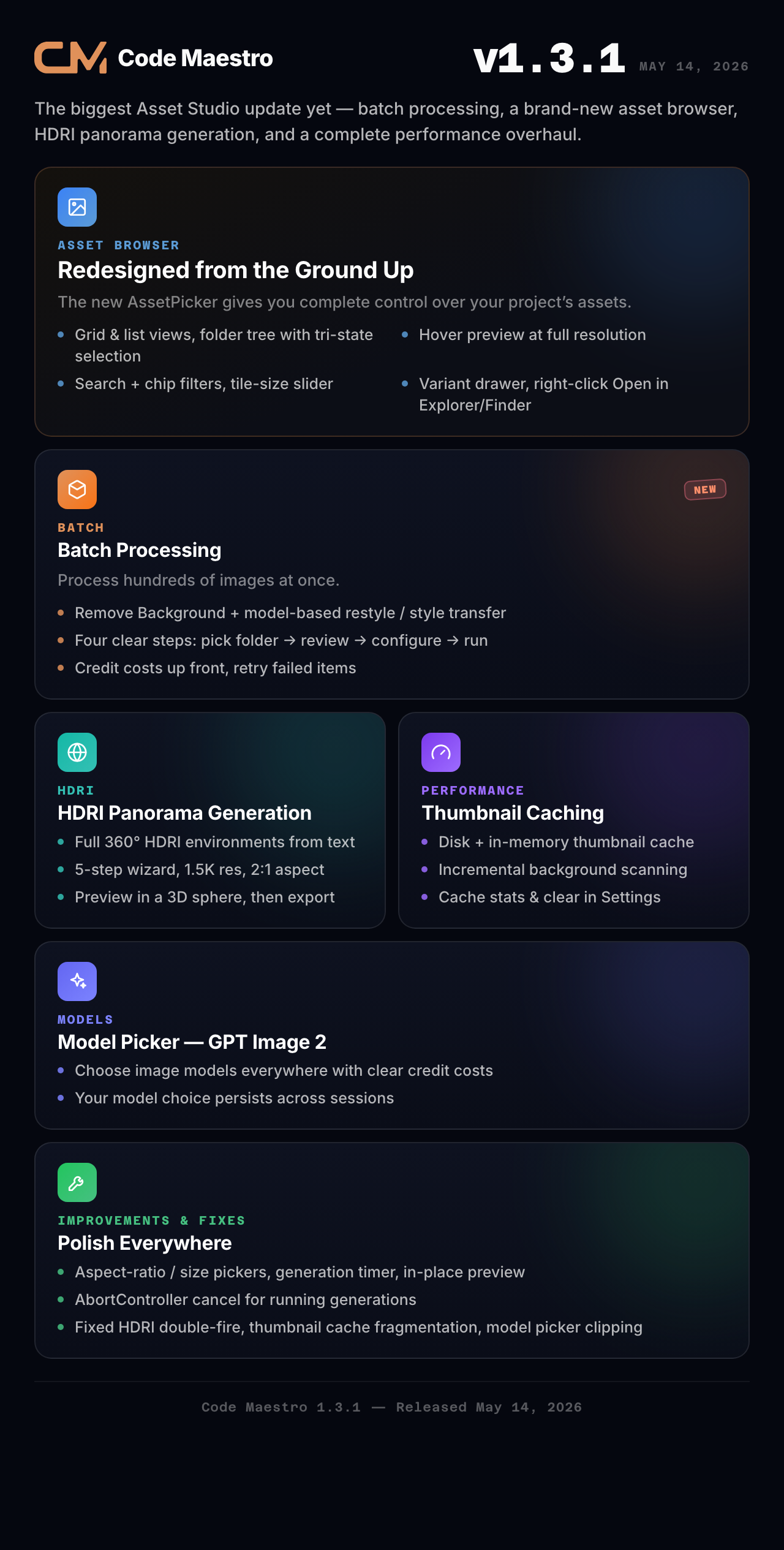
The biggest Asset Studio update yet — introducing batch processing, a brand new asset browser, HDRI panorama generation, and a complete performance overhaul.
🆕 What's New
Asset Browser — Redesigned from the Ground Up
The new AssetPicker gives you complete control over your project's assets:
Two views — grid and list toggle, so you can browse the way you prefer
Folder tree with tri-state selection — click to open folders, see image counts at a glance
Hover preview — float over any asset to see it at full resolution without opening it
Search + filter with chip-based filtering and select-all-matching
Tile size slider — resize thumbnails from 48px to 200px
Variant drawer — see all variants of an asset side by side
Right-click context menu — Open in Explorer/Finder with one click
Batch Processing — Remove Background
Process hundreds of images at once. The new batch workflow guides you through four clear steps:
Pick a folder — browse your project's folder tree
Review — see all images, select exactly which ones to process
Configure — choose output mode (replace or JPG variant), see credit costs
Run — watch the progress, retry failed items, open the output folder
Each processed image gets a clean sidecar tag, so the system always knows which assets have been processed.
Batch Processing — Image Restyle & Style Transfer (Model-Based)
The same batch workflow now supports model-based operations like image restyling, style transfer, and more — all with real-time cost estimates before you commit.
HDRI Panorama Generation
Generate full 360° HDRI environment panoramas from text descriptions. The new 5-step wizard walks you through:
Scene — choose a style (photorealistic, painterly, cinematic) and describe your scene
Settings — pick resolution and quality level
Cost — see a credit estimate with a collapsible prompt preview
Generate — single API call with elapsed timer and cancel support
Export — preview your panorama in a 3D sphere viewer, then export
Panoramas generate at 1.5K resolution with a 2:1 aspect ratio.
Performance — Thumbnail Caching
Asset browsing is now dramatically faster. We've implemented:
Disk-based thumbnail cache — thumbnails are cached on disk so they load instantly on repeat visits
In-memory hot cache — frequently used thumbnails stay in memory for zero-latency access
Incremental scanning — asset index updates in the background without blocking the UI
Cache management — see cache size and clear it from Asset Studio Settings
You can check cache stats and manually clear it from the Performance section in Asset Studio Settings.
Model Picker — GPT Image 2
Choose between image generation models right from the interface. The new ImageModelPicker dropdown is available everywhere — Create Asset, batch processing, and all generation dialogs. Each model shows credit costs clearly so you know what you're spending.
Design System Bundle
We've wired the official CodeMaestro Design System into the app — canonical fonts, token-defined CSS, and consistent visual language across every component.
🔧 Improvements
Aspect ratio, generation size, and output size pickers
Generation timer (see how long each image took to generate)
GPT Image 2 hint and credit display
Cross-UI model memory — your model choice persists across sessions
In-place result preview (no more opening new windows to see generations)
Name-collision UX — clear warnings when filenames conflict
Single-row headers across all modals for a cleaner look
Tile size slider in both AssetPicker and AssetsTab
Context menu: "Open in Explorer/Finder/Files" for any asset
AbortController support — cancel running image generations
StepIndicator visual component in batch and pipeline modals
Layer-based modal system — only one Asset Studio modal at a time
🐛 Fixes
Fixed CreateAssetModal backdrop not being inert
Fixed HDRI Panorama firing image_generate twice
Fixed path separator normalization for Windows users
Fixed thumbnail cache fragmentation
Fixed BatchModal initial-size flicker
Fixed folder filter being cumulative instead of exclusive
Fixed model picker menu clipped by modal boundary (now portaled to body)
Fixed spinning sparkle icon centering
Hover preview blob cache now invalidates on scan rebuild
PickFolderStep shows scan error + retry instead of silent dead-end
Code Maestro 1.3.0
Released May 2, 2026
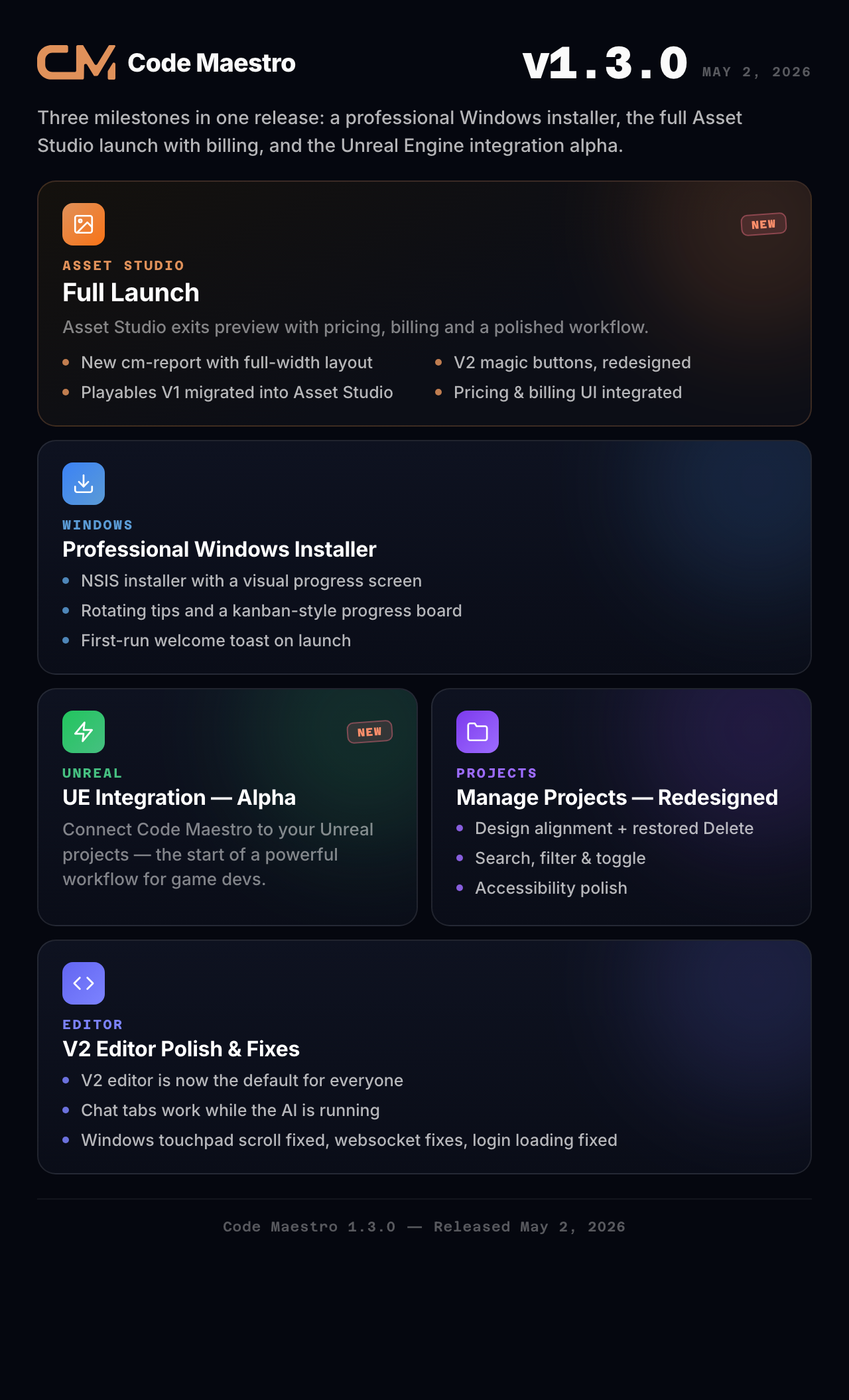
A massive release that brings three major milestones: a professional Windows installer, the full Asset Studio launch with pricing and billing, and the alpha release of Unreal Engine integration.
🆕 What's New
Professional Windows Installer
Windows users now get a proper custom installer experience. The new NSIS-based installer features:
A visual progress screen with real-time installation status
Helpful tips that rotate as you wait
A clean kanban-style progress board showing each installation stage
First-run welcome toast when the app launches for the first time
Smooth progress bar with detailed percentage readout
Asset Studio — Full Launch
Asset Studio exits preview with pricing, billing, and a polished workflow:
New cm-report rendering with full-width layout and scrollable tables
Magic buttons redesigned for V2
Studio tutorial improvements (skip drag-asset step when no assets exist)
Playables V1 disabled — all functionality migrated to Asset Studio
Asset Studio button wired throughout the interface
Pricing and billing UI integrated
Animated transitions and visual polish
Manage Projects — Redesigned
The Manage Projects window got a major overhaul with proper design alignment, restored Delete functionality, search + filter + toggle, and accessibility polish.
V2 Editor Polish
The V2 editor is now the default routing for all users. We've polished chat width, structured cm-report rendering, and cleaned up the Canvas tab. Chat tabs now work properly when the AI is running — you can start a new conversation without waiting.
Unreal Engine Integration — Alpha
The first alpha release of UE integration lets you connect Code Maestro to your Unreal Engine projects. This is the beginning of a powerful new workflow for game developers.
🔧 Improvements
Home screen now hides Playables magic cards in V2 mode
Tutorial can be reset and replays Studio correctly
Windows touchpad scroll behavior fixed (capped at delta 30 for smooth scrolling)
Carousel grouping for related assets
Optimized welcome page and tools page loading
AI Behavior settings tab
Grouped cards instead of long lists
🐛 Fixes
Fixed login loading on welcome screen
Tutorial now replays correctly after reset
Websocket communication fixes
Missing file references resolved
UI/UX updates for layout changes
Code Maestro 1.2.10
Released April 20, 2026
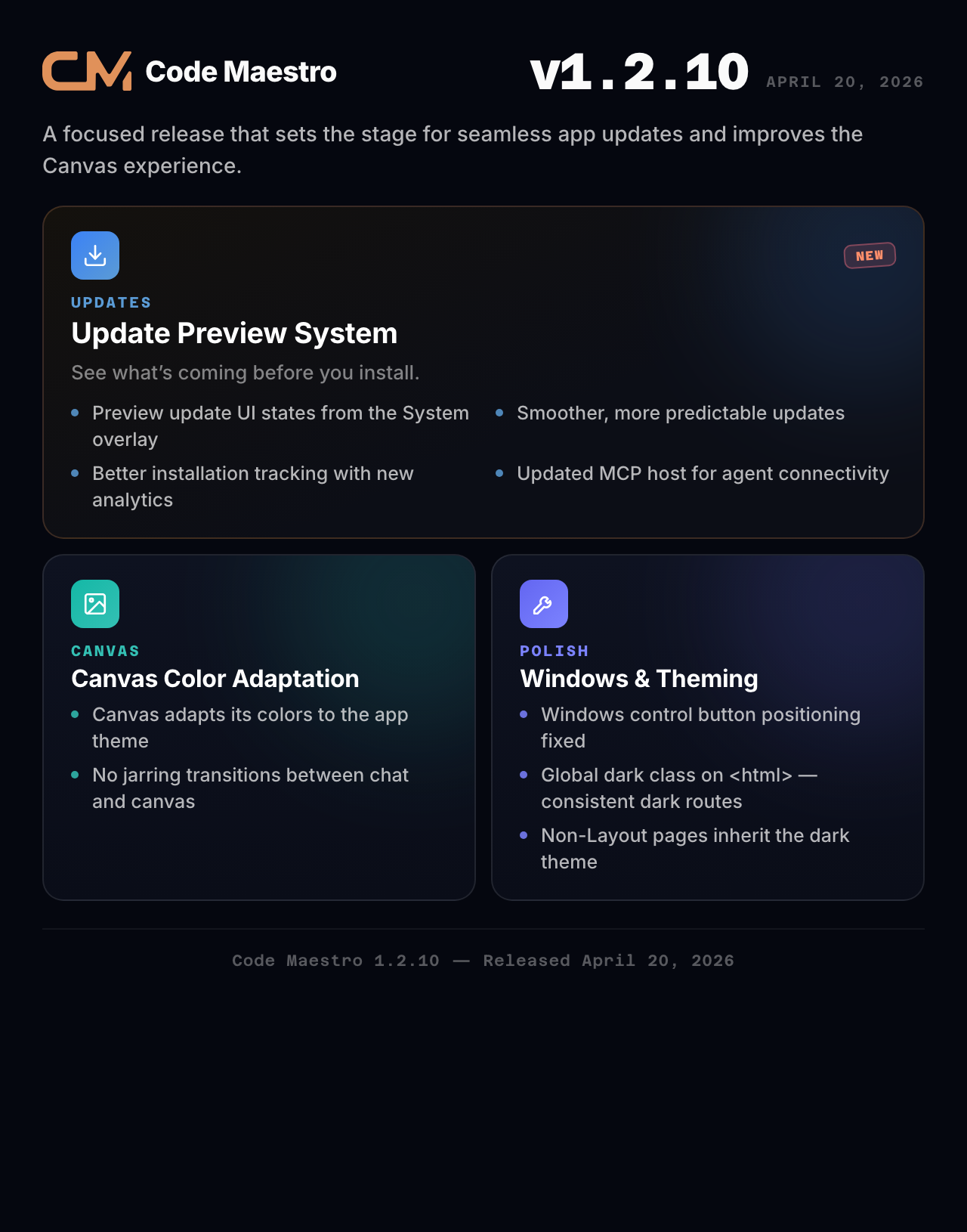
A focused release that sets the stage for seamless app updates and improves the Canvas experience.
🆕 What's New
Update Preview System
We've built a preview system for app updates — see what's coming before you install. Developers can preview update UI states directly from the System overlay, ensuring updates are smooth and predictable.
Canvas Color Adaptation
The Canvas view now adapts its color scheme to match the app theme — no more jarring visual transitions when switching between chat and canvas modes.
🔧 Improvements
Better installation tracking with new analytics events
Updated MCP host for improved agent connectivity
Windows control button fixes for a more native feel
Global dark class applied on <html> so every route renders consistently dark
🐛 Fixes
Fixed canvas color adaptation to properly match the app theme
Windows control button positioning and behavior
Non-Layout pages now properly inherit dark theme
Code Maestro 1.2.9
Released April 7, 2026
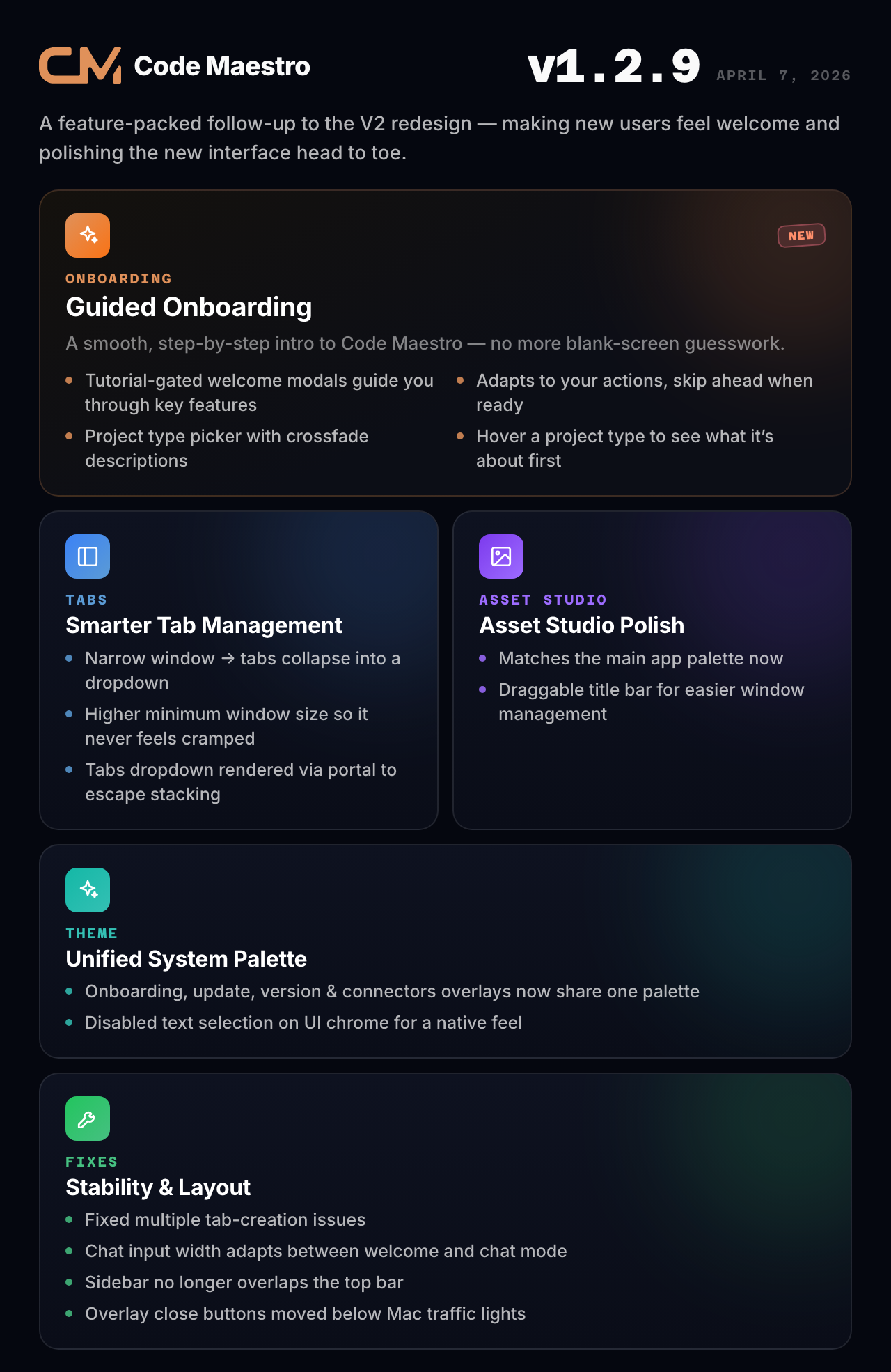
A feature-packed follow-up to the V2 redesign, focused on making new users feel welcome and polishing the new interface from head to toe.
🆕 What's New
Guided Onboarding
New users now get a smooth, step-by-step introduction to Code Maestro. Tutorial-gated welcome modals guide you through key features at your own pace — no more staring at a blank screen wondering where to start. The tutorial adapts to your actions and lets you skip ahead when you're ready.
Project Type Picker
Starting a new project is now more intuitive. The project type picker features a prominent banner with crossfade descriptions — hover over different project types to see what they're all about before making your choice.
Smarter Tab Management
When your window gets narrow, chat tabs automatically collapse into a dropdown menu — no more tabs overflowing off the edge. We also bumped the minimum window size so the interface never feels cramped.
Asset Studio Polish
Asset Studio now matches the main app palette for a consistent visual experience, and its title bar is draggable for easier window management.
Unified System Palette
The onboarding, update, version, and connectors overlays now share a unified color palette — everything looks and feels connected.
🔧 Improvements
Chat input fills the full width on the welcome screen, capped in chat mode for readability
Welcome screen magic buttons match chat input width
Disabled text selection on UI chrome for a native desktop feel
Unified palette across onboarding, updates, versions, and connectors
Asset Studio title bar is now draggable
🐛 Fixes
Fixed multiple tab creation issues
Chat input width now properly adapts between welcome screen and chat mode
Sidebar content no longer overlaps top bar
Tab accent border visibility fixed
Chat tabs tutorial now robust against timing and dropdown mode
Tabs dropdown rendered via React Portal to escape stacking contexts
Overlay close buttons moved below Mac traffic lights
Welcome screen no longer shows double 60% width constraint
TodoPanel and CodeModal are now mutually exclusive (proper z-index layering)
View Full Diff button style matches tool block style
Code Maestro 1.2.8
Released April 6, 2026
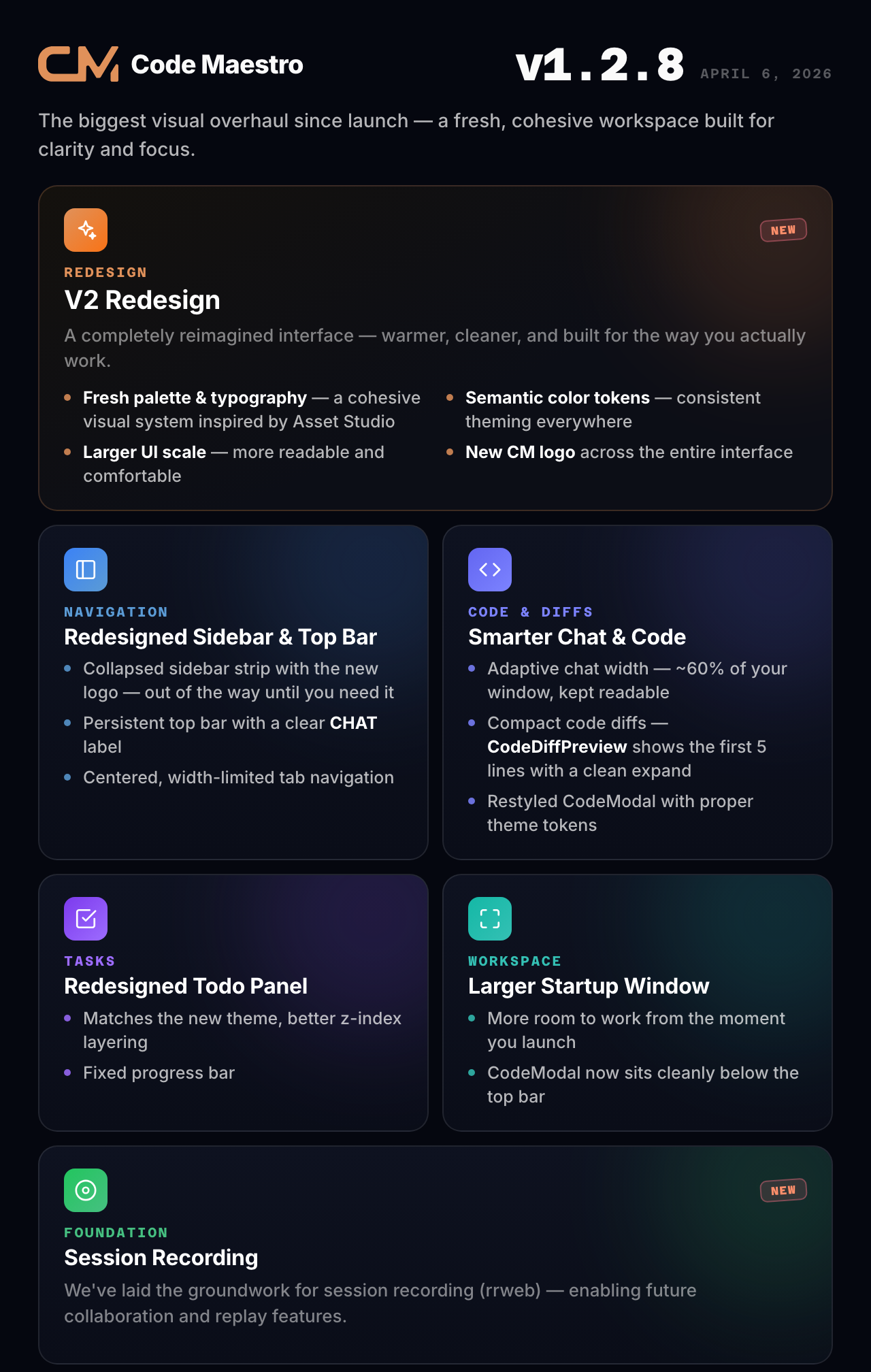
This is a landmark release — the biggest visual overhaul of Code Maestro since launch. We've completely redesigned the interface to match the visual language of Asset Studio, creating a more cohesive, premium-feeling workspace.
🎨 What's New
A Fresh New Look
Code Maestro gets a complete visual makeover. We've introduced a new color palette and typography system that brings warmth, clarity, and consistency to every corner of the app. The new design doesn't just look better — it makes your workspace feel more spacious and focused.
Redesigned Sidebar & Top Bar
The sidebar is now a clean collapsed strip with the new Code Maestro logo, popping out when you need it and staying out of the way when you don't. The top bar is now persistent with a clear CHAT label and centered tab navigation — no more hunting for where your open conversations live.
More Screen Space, Better Proportions
We increased the overall UI scale so everything feels more readable and comfortable. Chat tabs are centered and limited in width for a cleaner look. The startup window is larger so you have more room to work right from the start. Chat width is now adaptive — it automatically adjusts to 60% of your app width, keeping messages readable whether you're on a compact window or a widescreen display.
Smarter Code Diffs
Code previews got a major upgrade. CodeDiffPreview now shows the first 5 lines inline with a clean expand button — no more overwhelming full-page diffs for simple changes. The View Full Diff button is always one click away, and the CodeModal has been restyled with proper theme tokens and a smooth resize handle.
Redesigned Todo Panel
The Todo Panel now matches the app's new theme with updated styling, better z-index layering (always accessible but never in the way), and a fixed progress bar.
Session Recording (rrweb)
We've laid the groundwork for session recording capabilities, enabling future collaboration and replay features.
🔧 Improvements
New CM logo across the interface — cleaner, more modern
Semantic color tokens throughout — consistent theming everywhere
PlayablePreview migrated to new color tokens
Adaptive chat width with proper caps for readability
Larger startup window for more workspace
CodeModal now sits below the top bar with theme-consistent styling
🐛 Fixes
Fixed blank screen when switching projects in a new chat
Prevented double tab creation
Fixed sidebar z-index and positioning issues
Chat input width now properly matches message width
Welcome screen and chat input widths are now consistent