Critical hotfix for Mac users - please update Code Maestro 1.3.6 manually
 Alexander Goldybin
Heads up for everyone running Code Maestro on macOS: 1.3.6 is a critical hotfix, and you will not get it through the in-app updater. Please reinstall the app manually using the links below.
What happened
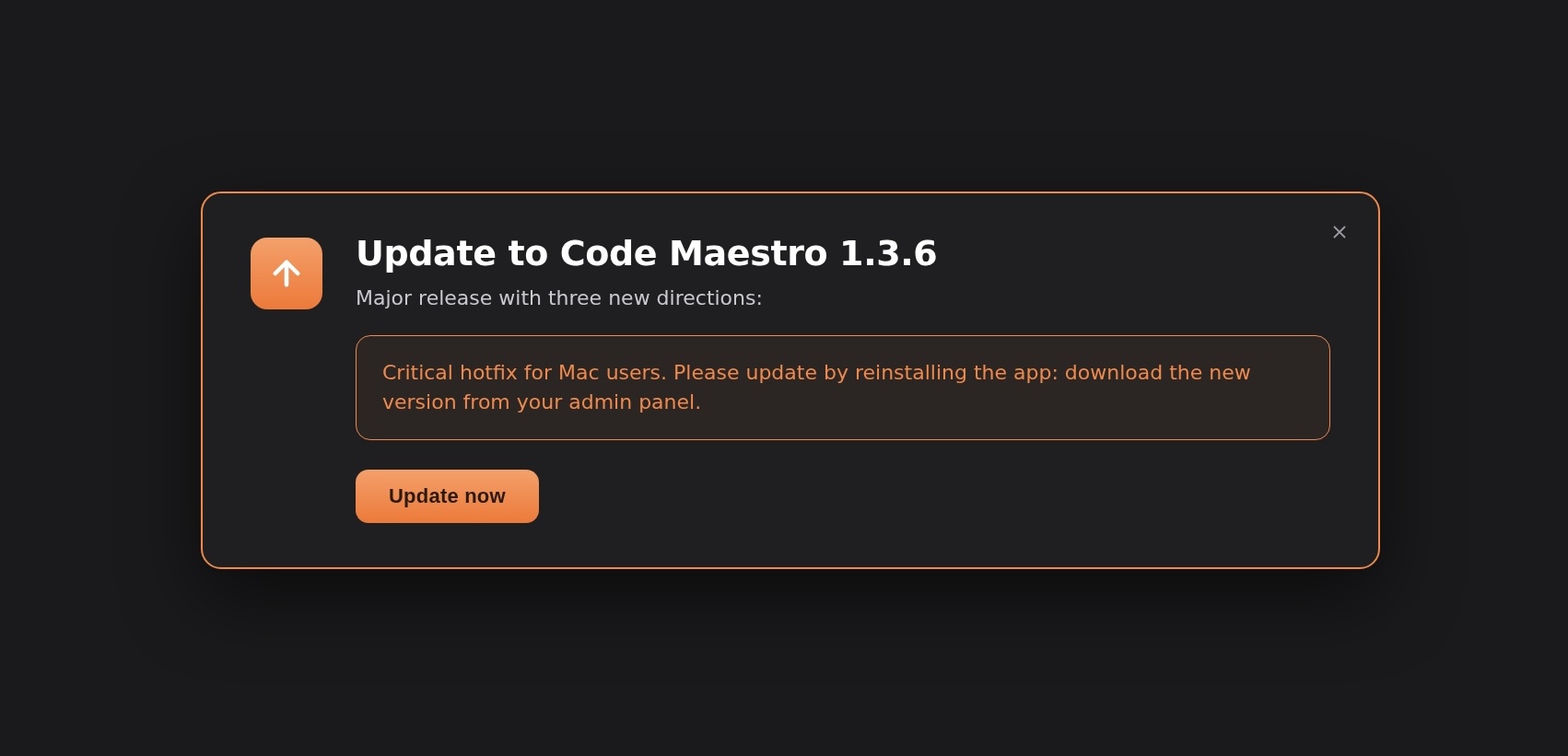
The in-app auto-updater is temporarily not delivering 1.3.6 to Mac users. We are fixing the underlying issue in the next patch. Until that lands, the only way to get 1.3.6 on macOS is a manual reinstall from the direct downloads below.
Why this update matters
1.3.6 includes a critical hotfix along with the broader release. Staying on 1.3.5 means you will keep hitting issues that 1.3.6 already resolves. The install takes under a minute - your projects, settings, and chat history stay intact.
Download Code Maestro 1.3.6 for Mac
Pick the build that matches your machine:
Mac · Apple Silicon (M1 / M2 / M3 / M4):
Download CodeMaestro-1.3.6-mac-arm64.dmg
Mac · Intel:
Download CodeMaestro-1.3.6-mac-x64.dmg
Not sure which one you have? Click the Apple menu in the top-left of your screen → "About This Mac". If it says "Apple M1" / "M2" / "M3" / "M4", grab the Apple Silicon build. If it says "Intel", grab the Intel one.
After you install
Open Code Maestro 1.3.6, log back in if it asks, and you're good. If anything looks off - the app won't start, the install gets blocked by Gatekeeper, or you see a signature warning - ping us on the support channel and we'll walk you through it.
Thank you for your patience on this one. Auto-update on macOS will be back to normal in the next patch.
— The Code Maestro team
Stuck on the install?
If the manual reinstall doesn't work for you, reply on our support channel and we'll get you running on 1.3.6 in minutes.